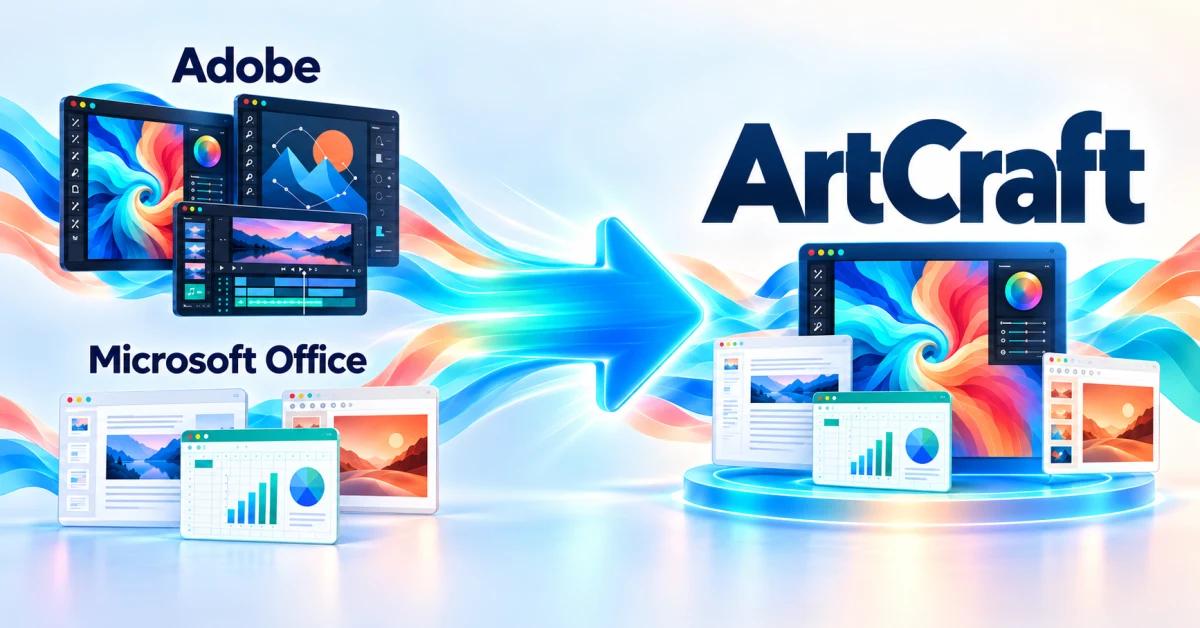
ArtCraft offers free, open-source alternatives to Photoshop, Illustrator, Premiere Pro, Lightroom, After Effects, InDesign and Acrobat, as well as Word, Excel and PowerPoint. Here is how the applications correspond.
Which Adobe apps does it aim to replace?
- Photoshop → PhotoCraft — Image editing and layered compositions.
- Illustrator → VectorCraft — Illustration and vector graphics.
- Premiere Pro → FilmCraft — Video editing.
- Lightroom → LightCraft — Photo organisation and RAW processing.
- After Effects → EffectCraft — Motion graphics and visual effects.
- InDesign → DesignCraft — Page layout and publishing.
- Acrobat → PdfCraft — Working with PDF documents.
The applications' areas of use are described in the official Craft Apps catalogue.
Which Microsoft Office apps does it aim to replace?
- Word → WordCraft — Reading and writing DOCX.
- Excel → GridCraft — Reading and writing XLSX.
- PowerPoint → DeckCraft — Opening and saving PPTX.
Format support is declared on the official pages for WordCraft, GridCraft and DeckCraft.
These comparisons indicate the intended use; compatibility and the features you need must be assessed for each project.
A suite for creative work and office tasks
The Craft Apps family comprises 13 applications. The developers describe them as written in Rust, free to use and available for macOS, Windows and Linux. The project emphasises keeping files on your own computer and offering menus and commands that users of established applications will recognise. Official catalogue
ArtCraft also includes a separate studio for generating images and videos with AI. It lets you build compositions in 2D and 3D before generation. For replacing editing software and Office applications, however, the relevant part is the Craft Apps family. ArtCraft studio
How does PhotoCraft compare with Photoshop?
PhotoCraft provides a concrete example of this direction. Its product page declares support for layers, masks, adjustments, filters and smart objects, along with opening and saving layered PSD and PSB documents. For someone working in Photoshop, preserving a document's structure is essential: an exported image and an editable project serve different purposes. PhotoCraft features
Declared compatibility needs to be checked on real projects. A file that opens correctly may still show differences in text, effects, colours or export. A successful replacement means the entire process, from opening the document to delivering the result, works under the conditions you need.
What do the Microsoft Office alternatives offer?
WordCraft is presented as a word processor with styles, tables, comments and change tracking. Its documentation also lists tables of contents, footnotes, citations and bibliographies. These features place it in the field of document writing and review, from articles to reports. WordCraft
GridCraft targets spreadsheet work. The developers declare more than 500 calculation functions, dynamic array formulas, charts and PivotTables. Conditional formatting and data validation are also mentioned. When considering a move from Excel, checking formula results is just as important as preserving the spreadsheet's appearance. GridCraft
DeckCraft is the presentation application. Its official page describes themes, slide layouts, vector shapes, transitions, animations and a presenter view with speaker notes. Declared PPTX support could make transferring existing presentations easier. DeckCraft
These three applications target tasks performed in Word, Excel and PowerPoint. Replacing them within a team also requires assessing how people collaborate: how documents circulate, who edits them and which integrations are needed. File format support alone does not demonstrate compatibility with an organisation's entire working environment.
What could you gain from switching?
The main benefit proposed by Craft Apps is free access to tools for creativity and productivity. Local operation may appeal to people who want to manage files on their own computers. Open source allows the applications to be inspected and adapted, and the project also declares automation options through a CLI, JSON channels and MCP. Craft Apps principles
The free applications should be distinguished from the cost of AI generation. The ArtCraft studio offers subscriptions and generation credits; using external services may involve their own costs. AI studio pricing
Can you already move away from Adobe and Microsoft Office?
When checked on 13 October 2026, the official catalogue labelled PhotoCraft and PdfCraft as “early alpha”, while the Office applications and most other tools were “in development”. ArtCraft has an ambitious offering, but these labels show that the suite is still being built. Application development status
To decide whether an application can replace your current program, start with a copy of a representative project. Open the file, edit it, save it and check the result in the application your collaborator or client will use. Page layout matters in a document; calculations in a spreadsheet; fonts and animations in a presentation; layers and export in a graphics project.
This assessment is based on public documentation, without hands-on testing of the suite. ArtCraft offers a promising direction for people who want to gradually replace Adobe applications and Microsoft Office with free, open tools. The first application worth moving to is the one that passes the checks for your own workflow. A complete replacement will depend on the suite's maturity and compatibility demonstrated in everyday projects.
Where can you download the applications?
For the creative and Office applications, you can start with the ArtCraft Launcher — official download. The launcher installs Craft applications and manages updates, according to the official catalogue. Select the package for your operating system in the download page's “Assets” section.
If you prefer to install a single application, the packages for each platform are available in the download section of its official page:
- For Photoshop: download PhotoCraft.
- For Illustrator: download VectorCraft.
- For Premiere Pro: download FilmCraft.
- For Lightroom: download LightCraft.
- For After Effects: download EffectCraft.
- For InDesign: download DesignCraft.
- For Acrobat: download PdfCraft.
- For Word: download WordCraft.
- For Excel: download GridCraft.
- For PowerPoint: download DeckCraft.
The AI studio has its own download page for Windows and macOS and can also be used directly in a browser.
Donations and supporting development
If these applications are useful to you, you can contribute to the project's development. For financial support, the team presents ArtCraft subscriptions as a way to support development while receiving AI generation credits in return.
For a direct donation, ask the team about available methods through the official contact channels or at hello@storyteller.ai. I did not identify an official dedicated donation link on the pages checked; subscriptions are paid services rather than donations.
You can also help by testing the applications, reporting issues and suggesting improvements in the ArtCraft projects on GitHub. Feedback from real projects can help the team improve the tools that aim to become alternatives to Adobe and Microsoft Office.